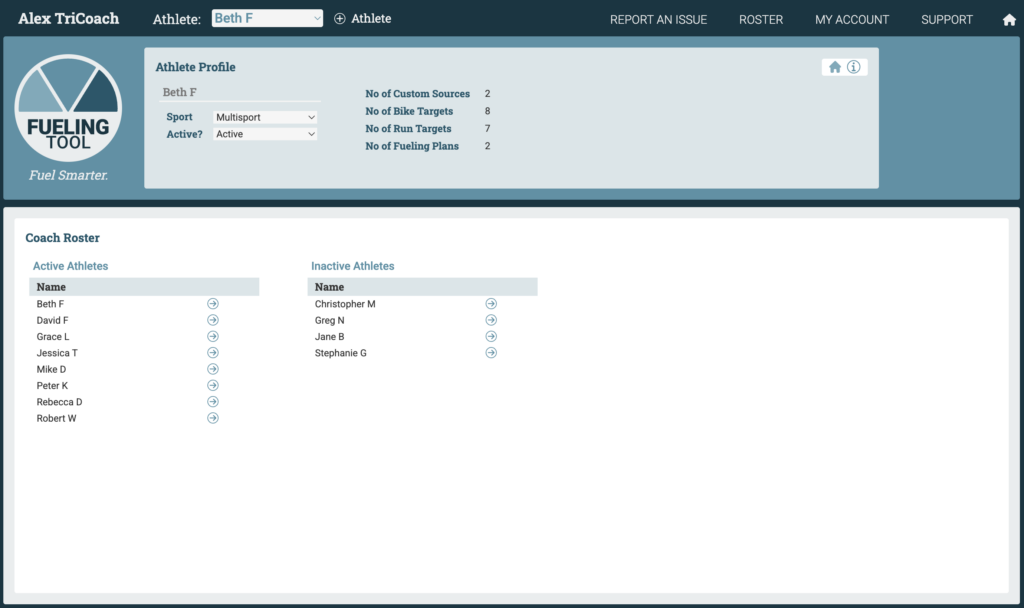
Coach Edition users can manage their Roster on the Roster view, accessed through the Nav Bar.
All athletes are defined as either active – included in the athlete dropdown in the Nav Bar – or inactive. Select an athlete using the dropdown and use the hero section of the Roster view to switch an athlete’s status from active to inactive and vice versa.