
Universal Sources (built into the system) are available to all. Athlete and Coach Edition users can add Custom Sources — marked with a colored dot in the Source Library — to personalize fueling choices.
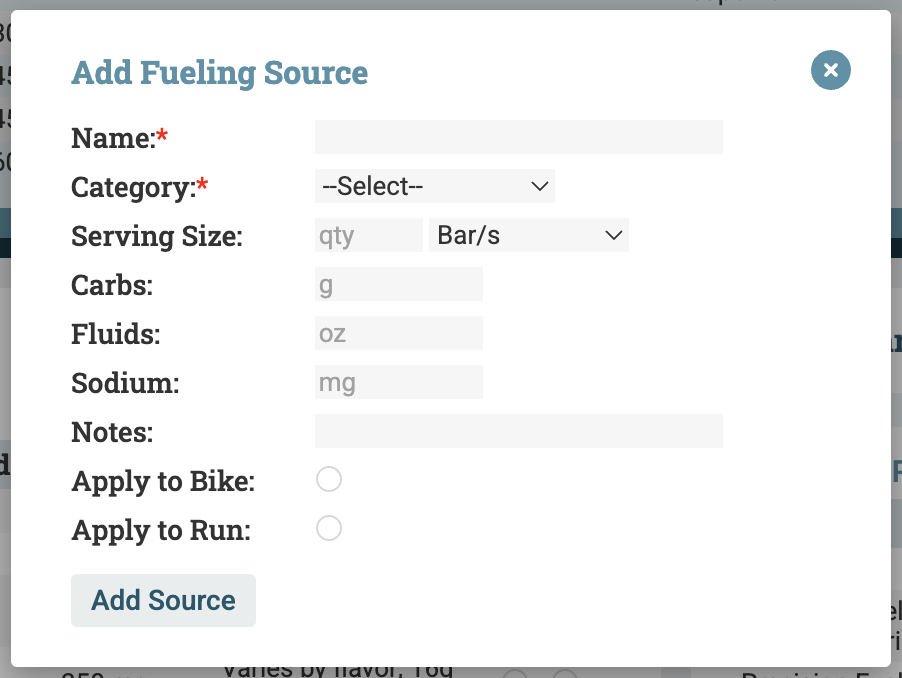
To add a Custom Source to the Source Library:
- Click + Source in the upper right corner to add a Custom Source
- Enter the product name, type, serving size, and nutritional content (carbs, fluid, and/or sodium per serving)
- You can Apply the Source to Bike and/or Run as you are adding it, or Apply it later